How to Schedule LinkedIn Posts for Maximum Reach
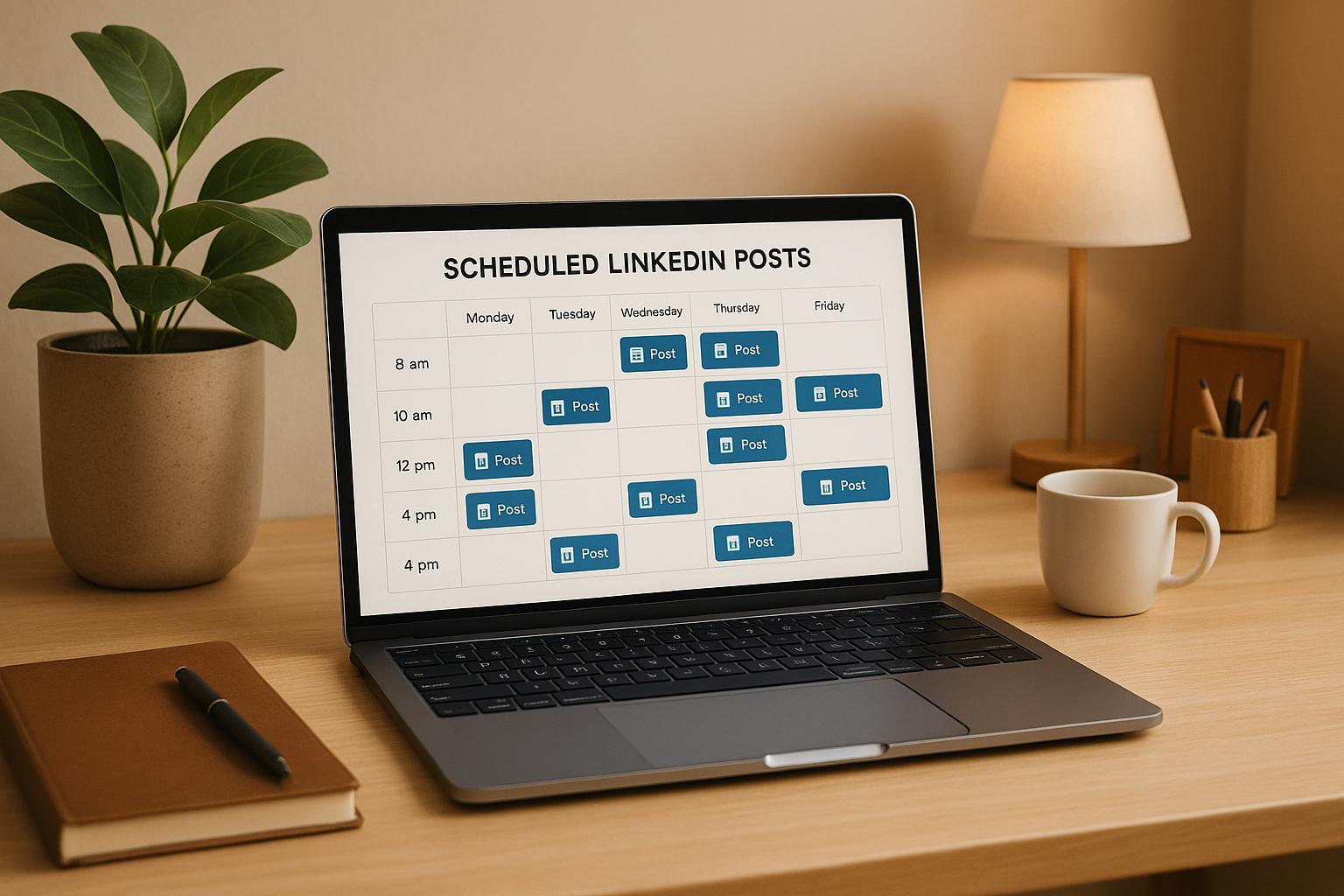
Want better LinkedIn engagement? Timing is key. Here’s the quick takeaway:
- Best days to post: Tuesday, Wednesday, and Thursday.
- Peak times: Mid-morning (8:00 AM–12:00 PM) and lunchtime (12:00 PM–2:00 PM).
- Why it matters: Posts during these periods align with professional activity, boosting visibility and interaction.
- Tools to simplify: Use LinkedIn’s native scheduler or advanced options like Typoro to plan posts ahead and save time.
Consistency and quality are critical. Posting 3–5 times weekly with varied content types (e.g., text, images, videos) keeps your audience engaged. Tools like Typoro even help automate content creation and scheduling, making it easier to maintain a strong LinkedIn presence. Let’s break down how to make your posts work harder for you.
How to Schedule LinkedIn Posts – Company Pages & Profiles for FREE on LinkedIn
How LinkedIn’s Algorithm and User Behavior Work
To get the most out of LinkedIn, you need to understand how its algorithm works. LinkedIn uses factors like engagement, relevance, and timing to decide which posts show up in users’ feeds. This knowledge is key to figuring out the best times to post for maximum visibility.
Here’s how it works: when you post something, LinkedIn tests the waters by showing it to a small group of people. If that group quickly interacts – through likes, comments, or shares – LinkedIn takes it as a sign that your content is worth sharing with a broader audience. Posting consistently also helps. Businesses that post at least once a week see engagement double compared to those that post less frequently. Plus, new content tends to grab more attention.
Another important factor is your relationship with your audience. LinkedIn is more likely to show your posts to people who often engage with your content, work at the same company, or share mutual connections with you.
How LinkedIn Ranks and Shows Your Content
LinkedIn’s algorithm heavily relies on how your audience initially interacts with your post. If your post sparks meaningful engagement – especially comments that encourage discussions – it’s flagged as quality content and gets pushed to a larger audience. The strength of your network connections also matters; the closer the connection, the more likely your post will appear in their feed.
Timing also plays a big role. Posting when your audience is most active can make all the difference in how far your content travels.
Best Days and Times to Post on LinkedIn in the US
If you’re posting on LinkedIn, aim for midweek. Tuesday through Thursday consistently deliver the best engagement rates. Research analyzing 2.7 billion engagements across 436,000 social profiles shows that professionals are most active during these days, engaging with business-related content.
Engagement tends to peak during standard business hours. Here’s a breakdown of the best times to post:
| Day | Peak Engagement Times | Notes |
|---|---|---|
| Mondays | 11:00 AM–12:00 PM | Late morning is a good time as people ease into the workweek. |
| Tuesdays | 8:00 AM–2:00 PM | A top-performing day with steady activity throughout. |
| Wednesdays | 8:00 AM and 12:00 PM | Two high points: early morning and lunch hour. |
| Thursdays | 8:00 AM and 12:00 PM | Similar to Wednesday, with strong midweek engagement. |
| Fridays | 7:00 AM–2:00 PM | Early activity as professionals wrap up their week. |
| Saturdays | 7:00 AM–10:00 AM | Light engagement; weekends are the least effective. |
| Sundays | 6:00 AM–8:00 AM | Engagement is minimal, especially after early morning. |
Weekends generally see lower activity, with engagement limited to early morning hours. On the other hand, mid-mornings and lunch hours during the workweek are prime times for reaching your audience. Make sure to adjust these times to your specific US time zone.
Tools for Scheduling LinkedIn Posts
Scheduling tools do more than just save time – they’re a game-changer for expanding your LinkedIn reach. For busy professionals, especially leaders, finding time to consistently create and post engaging LinkedIn content can feel impossible. That’s where these tools step in, allowing you to plan your content ahead of time and maintain a steady presence without the daily grind.
A good scheduling tool isn’t just a timer for your posts. It helps you batch-create content, ensures posts go live when your audience is most active, and provides valuable feedback to refine your strategy. By dedicating just a few hours each week, you can map out and schedule your entire content calendar, eliminating the stress of last-minute posting. Let’s explore how Typoro, a standout tool, takes this to the next level.
Typoro: AI-Powered LinkedIn Scheduling Tool
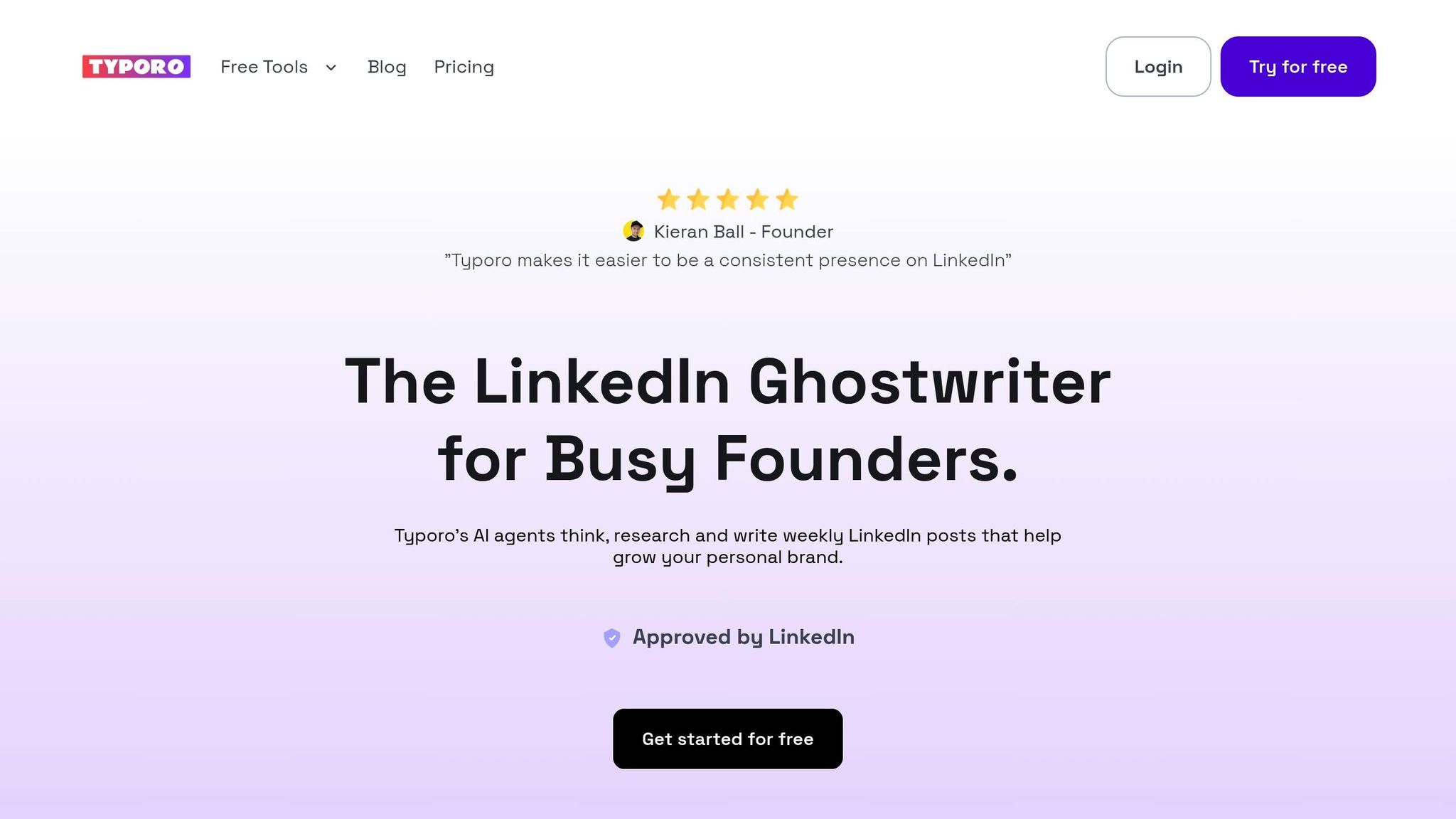
Typoro calls itself "The LinkedIn Ghostwriter for Busy Founders", and it’s easy to see why. This platform doesn’t just schedule posts – it creates them. Using AI, Typoro generates content that matches your unique voice and tone while ensuring posts are published at the best times for engagement.
The tool learns from your existing content style to produce posts that sound authentically like you. But it doesn’t stop there. Typoro focuses on building your personal brand by crafting posts that align with your business goals and highlight your expertise. The AI can research trending topics in your field, analyze what’s working for others in your industry, and create content that positions you as a thought leader.
Typoro offers three pricing plans to fit different needs:
- Creator Plan ($19/month): Ideal for solo founders, this plan supports one LinkedIn account, offers 20,000 AI-generated words, and provides 30 agent runs.
- Growth Plan ($39/month): Designed for small teams, it supports up to three LinkedIn accounts, 70,000 AI words, and 100 agent runs.
- Scale Plan ($99/month): Perfect for larger organizations, this plan includes 10 LinkedIn accounts, unlimited AI words, and 1,000 agent runs.
These options make Typoro a versatile tool for anyone looking to streamline their LinkedIn strategy.
How Typoro Simplifies LinkedIn Scheduling
Posting on LinkedIn the traditional way can be a hassle. You have to brainstorm ideas, research trends, write and edit posts, and then remember to post them at the right times. Typoro simplifies this entire process with an efficient, mostly automated workflow.
Once you set your content preferences, Typoro’s AI takes over. It analyzes your audience to understand who’s engaging with your content and which topics resonate most. This data drives the content creation process, ensuring your posts are designed to spark meaningful interactions.
The platform also provides detailed analytics to help you understand what’s working. You’ll get insights into which posts drive the best conversations, the optimal times to post, and how your engagement rates are trending. This feedback loops back into the AI, ensuring your future posts are even better.
Another standout feature is Typoro’s ability to repurpose content. The tool can take your top-performing posts and turn them into fresh content or follow-ups, so you’re not constantly starting from scratch. This approach keeps your profile active and builds on themes that already resonate with your audience.
For teams, Typoro offers collaboration tools to keep everyone on the same page. You can review and approve posts before they go live, ensure messaging stays consistent, and coordinate calendars to avoid overlapping or conflicting content.
If you’re a busy founder looking to stay active on LinkedIn without sacrificing time for your core business, Typoro might be the solution. They even offer a 7-day trial, so you can test the full workflow – from AI content creation to scheduling and analytics – without any upfront commitment.
sbb-itb-1b818d9
How to Schedule LinkedIn Posts Step by Step
Here’s a guide to scheduling your LinkedIn posts, whether you’re using LinkedIn’s built-in scheduler or a tool like Typoro.
Scheduling Posts Directly on LinkedIn
In 2022, LinkedIn introduced its native scheduling feature, making it easier to plan posts in advance. Here’s how you can use it:
- Log into your account and click "Start a post" to begin drafting your content.
- Once your post is written, click the clock icon to access the scheduling interface. Here, you’ll see a posting calendar.
- Choose your preferred date and time – LinkedIn lets you schedule up to three months ahead. You can also see other scheduled posts to avoid overlaps.
- Confirm your schedule by clicking "Next" and then "Schedule." Your post will now be queued for automatic publishing at the selected time.
While LinkedIn’s native scheduler is straightforward, it comes with a few drawbacks. For instance, you can’t reschedule a post once it’s queued; instead, you’ll need to delete and recreate it. Additionally, it doesn’t account for time zone differences, so if you’re posting for a global audience, you’ll need to calculate times manually. Lastly, it lacks collaboration tools, which can be a challenge for teams managing content together.
This method is a solid choice for individuals or businesses with simple scheduling needs.
Scheduling Posts with Typoro
If you’re looking for a more advanced, AI-driven tool, Typoro offers features that go beyond basic scheduling. Here’s how to make the most of it:
- Set up your Typoro profile. Define your content preferences and brand voice so the AI can tailor its suggestions to match your style.
- Batch-create your content. Typoro’s batch creation tool allows you to generate multiple drafts at once. Review these drafts and tweak them to align with your messaging.
- Schedule posts at optimal times. Typoro analyzes audience engagement data to suggest the best times for publishing, helping you maximize visibility and interaction.
- Manage your content calendar. The platform provides a clear overview of your scheduled posts, making it easy to adjust and maintain a consistent posting rhythm.
- Track post performance. Use Typoro’s analytics to monitor how your content is doing and refine your strategy for future posts.
For teams, Typoro simplifies collaboration. Team members can review and suggest edits before posts are finalized, ensuring your brand’s messaging stays consistent across all LinkedIn activity.
Whether you’re sticking with LinkedIn’s native tools or opting for Typoro’s advanced features, you’ll find plenty of options to streamline your scheduling process.
How to Get Maximum Reach from Your LinkedIn Posts
Scheduling your LinkedIn posts is just the first step. The real test is ensuring those posts connect with your audience and drive engagement. Here’s how to make your LinkedIn content work harder and reach farther.
Creating Content in Batches and Planning Ahead
Batching your content creation can save time while keeping your posts consistent and polished. Dedicate 2-3 hours each week to brainstorming ideas, drafting posts, and gathering visuals. By working in focused blocks, you can streamline your workflow and avoid last-minute scrambles.
When planning, think about seasonal trends and industry events. A content calendar is a must-have tool. Use it to map out your posts for the month, highlighting key dates like product launches, company milestones, or industry conferences. This bird’s-eye view helps you avoid repetitive content and ensures your messaging stays fresh.
To keep your audience engaged, mix up your content formats.
Using Different Post Types and Posting Regularly
LinkedIn’s algorithm rewards variety and consistency. By mixing up your post types, you can capture attention and increase your visibility.
- Text-only posts are surprisingly effective. They feel personal and relatable, especially when you share stories, insights, or lessons learned. Use these posts to connect with your audience on a deeper level.
- Image posts grab attention quickly. High-quality visuals like infographics, professional photos, or quote graphics work well. Ensure any text overlays are clear and easy to read, even on mobile devices.
- Videos tend to drive the most engagement. Keep them short – under 3 minutes – and use them to share tips, updates, or industry commentary. LinkedIn’s native video player helps keep viewers on the platform, which boosts your reach.
- Document carousels are perfect for sharing detailed information. Create slides with tips, stats, or step-by-step guides. These posts often get saved and shared, extending their lifespan.
- Polls spark quick engagement. They’re easy to set up and can provide valuable insights into your audience’s preferences or opinions.
Aim to post 3-5 times per week. This frequency keeps you visible without overwhelming your followers. Focus on quality over quantity – three well-thought-out posts a week are far more effective than daily posts that lack substance.
Once your content is live, analytics can help you refine your strategy.
Using Data to Improve Your Posting Schedule
To ensure your posts reach their full potential, use analytics to guide your decisions. Without data, you’re essentially guessing what works – and guessing rarely leads to success.
Look for engagement patterns. For example, you might notice that your audience engages more with industry insights on Tuesdays or that videos perform best on Thursdays. Use these insights to adjust your content calendar and maximize your impact.
Platforms like Typoro simplify this process by providing an analytics dashboard. It tracks metrics like comments, shares, and profile views, helping you identify trends you might otherwise miss. For example, you can see which times of day generate the most interaction.
A/B testing is another powerful tool. Experiment with posting similar content at different times or in different formats. The results will show you what resonates most with your audience.
Even low-performing posts offer valuable lessons. If certain topics consistently underperform, take a closer look. Are they relevant to your audience? Could they be presented in a more engaging way?
Finally, schedule monthly performance reviews to spot larger trends. Analyze your top-performing posts to identify common themes, and plan future content that builds on those successes.
Keep in mind that LinkedIn trends and algorithms evolve. Regularly analyzing your data ensures your strategy stays aligned with your audience’s changing preferences and the platform’s updates.
Building a Consistent LinkedIn Presence
Creating a strong LinkedIn presence isn’t just about posting frequently – it’s about showing up consistently and strategically. Consistency plays a huge role in LinkedIn success. In fact, pages that post at least once a week see five times more page views than those that don’t. Plus, regular posting can double your engagement. It’s not just about how often you post – it’s about being reliable for your audience and giving LinkedIn’s algorithm the signals it needs to amplify your content.
The trick is finding a rhythm you can maintain without sacrificing quality. Posting every day might sound great, but it can lead to burnout. Instead, focus on a manageable schedule that allows you to consistently deliver high-quality content.
Tools like Typoro make this easier by combining AI-powered content creation with smart scheduling. They let you batch-create posts during focused sessions and ensure they go live at the best times. A study by Buffer Creator Camp even found that advanced scheduling led to a 20% boost in impressions and a 28% increase in engagement.
To keep everything on track, use a content calendar. This helps you plan posts for the month, align your messaging, and avoid repeating the same topics. A good approach is to define three or four key content themes and rotate between them to keep your feed fresh and engaging.
AI tools can also save you a ton of time. With thoughtful customization, they can cut your content creation time by up to 70%. That means you can spend less time stressing over daily posts and more time focusing on strategy and connecting with your audience.
Building a LinkedIn presence takes time, but it’s worth it. By sticking to consistent posting habits, optimizing your schedule, and using the right tools, you can set yourself up for long-term growth and meaningful professional connections.
FAQs
What factors does LinkedIn’s algorithm consider to boost post visibility and engagement?
LinkedIn’s algorithm favors content that sparks engagement – whether that’s reactions, comments, or shares. The more your posts connect with your audience and inspire interaction, the more likely they are to show up in their feeds.
The algorithm also weighs factors like how relevant your content is to your audience, the timing of your post, and the speed at which people engage with it after it’s published. By consistently sharing well-crafted, audience-centered posts at the right times, you can boost your visibility significantly.
What are the advantages of using Typoro to schedule LinkedIn posts, and how does it improve your content strategy?
Using Typoro to schedule LinkedIn posts keeps your posting routine steady and ensures your content hits your audience at the best times for engagement. It’s a time-saver that lets you plan ahead, cutting down on those last-minute scrambles.
On top of that, Typoro offers insights to help you match your posting schedule to your audience’s activity patterns, boosting visibility and interaction. By simplifying the scheduling process, you can dedicate more energy to crafting top-notch content and strengthening your LinkedIn presence.
How can I use LinkedIn analytics to improve my content strategy?
LinkedIn analytics offers a window into how your posts are performing, revealing details about audience engagement and demographics. By examining metrics such as impressions, clicks, and reactions, you can uncover which types of content strike a chord with your audience.
Start by diving into individual post data. Look for trends in timing, format (like text updates, videos, or polls), and topics that drive the most interaction. These insights can guide you in fine-tuning your posting schedule and crafting content that better matches your audience’s interests and habits.
Regularly tracking and tweaking your approach based on this data ensures your LinkedIn content strategy stays sharp and focused on what works best.
Related Blog Posts

 Kieran Ball - Founder
"Typoro makes it easier to be a consistent presence on LinkedIn"
The LinkedIn Ghostwriter for Busy Founders.
Typoro’s AI agents think, research and write weekly LinkedIn posts that help grow your personal brand.
