7 Ways AI Tools Save Time on LinkedIn Content

Managing LinkedIn content doesn’t have to eat up hours of your week. AI tools can simplify and speed up tasks like writing posts, scheduling, creating graphics, and analyzing performance. Here’s a breakdown of seven tools that can save you time and effort:
- Typoro: Automates LinkedIn ghostwriting, scheduling, and audience insights. Plans start at $19/month.
- Buffer: Optimizes posting times and schedules content across platforms. Pricing starts at $79/month.
- Canva Magic Write: Helps create LinkedIn visuals with AI-generated text and templates. Free and Pro plans available ($12.99/month).
- Hootsuite: Combines AI-powered LinkedIn scheduling with analytics for improving engagement.
- Grammarly: Polishes your content with grammar and tone suggestions, ensuring professional LinkedIn posts.
- ChatGPT: Generates content ideas and drafts quickly, perfect for overcoming writer’s block.
- Shield: Tracks LinkedIn performance metrics with AI-driven insights, starting at $6/month.
These tools can help you maintain a consistent LinkedIn presence without sacrificing hours of your time. For a well-rounded strategy, combine a content creation tool like Typoro or ChatGPT with an analytics platform like Shield. This way, you can focus on connecting with your network while the tools handle the heavy lifting.
How to Automate your LinkedIn with AI (Full Tutorial with Prompts)
1. Typoro: AI-Powered LinkedIn Ghostwriting and Scheduling Tool
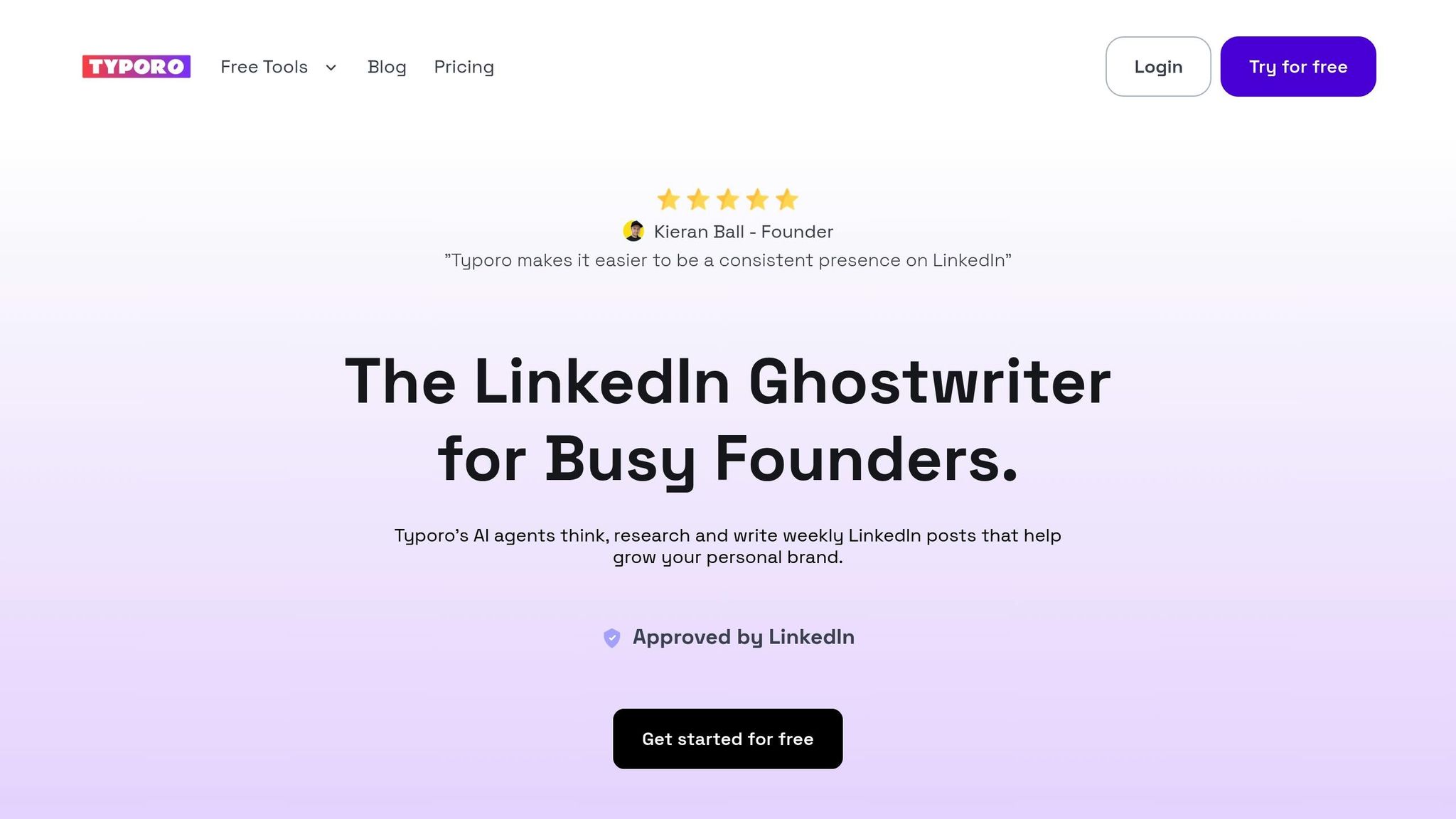
Typoro is an AI-powered ghostwriting tool designed for professionals who want to maintain an active LinkedIn presence without spending hours crafting posts. Created by Kieran Ball and Pete Callaghan, this platform is built specifically for LinkedIn, focusing on content creation and optimization.
Time-Saving Features
Typoro shines in streamlining your content workflow. It handles brainstorming, writing, and scheduling, allowing users to plan weeks or even months of posts. With unlimited scheduling across all pricing tiers, you can set up your content calendar without restrictions.
One standout feature is Agent Runs, which automates repetitive tasks like generating and optimizing content. Depending on your plan, you get 30 runs (Creator), 100 runs (Growth), or up to 1,000 runs (Scale), making it easy to manage a steady flow of LinkedIn posts.
AI-Powered Capabilities
Typoro ensures your content reflects your personal voice, avoiding the robotic tone often associated with AI-generated material. This personalized touch helps maintain authenticity and consistency across posts.
The platform also offers generous word limits for AI-written content. The Creator plan provides 20,000 words per month, Growth offers 70,000, and the Scale plan comes with unlimited word generation. This makes it ideal for even the most content-heavy users.
Another powerful feature is its ability to create tailored content for your audience. By analyzing your LinkedIn connections and followers, Typoro crafts posts that resonate with your specific network, boosting engagement without requiring manual research.
LinkedIn Optimization Tools
Typoro includes LinkedIn Audience Insights, which analyzes follower behavior to identify the best times to post and the types of content that perform well.
It also offers tools to repurpose and update successful posts, allowing you to keep high-performing content fresh and relevant. This feature helps maximize the value of your existing content without starting from scratch.
For ongoing improvements, Typoro provides performance tracking. You can monitor metrics like engagement, reach, and audience growth to fine-tune your LinkedIn strategy over time.
Scalability for Teams or Individuals
Typoro offers three pricing tiers: Creator ($19/month for one user), Growth ($39/month for up to three users), and Scale ($99/month for up to 10 users).
All plans include team collaboration features, enabling multiple contributors to draft, review, and schedule posts. This ensures consistent messaging while preserving each team member’s unique voice.
With direct LinkedIn integration, Typoro simplifies the entire process, from content creation to publishing. No need to juggle multiple tools or manually transfer content – everything happens seamlessly within the platform. Up next, we’ll dive into another tool designed to optimize scheduling across platforms.
2. Buffer: AI-Powered Social Media Scheduling
Buffer simplifies managing LinkedIn content with its AI-driven, user-friendly platform. By blending advanced technology with ease of use, it ensures effective content scheduling for both solo users and teams.
Time-Saving Features
Buffer takes the hassle out of posting by using AI to determine the best times to share content, ensuring a steady online presence without the need to constantly track engagement patterns. It also allows users to repurpose content across multiple platforms, cutting down on the time spent tweaking posts for different audiences.
"This is another tool that’s fantastic for those who need to republish content across many different networks." – Bernard Marr
AI-Powered Capabilities
Buffer’s AI Assistant is a game-changer for content creators. It helps brainstorm fresh ideas and tailors content to match different tones and audiences. Whether you’re tweaking a post for a professional setting or giving it a more casual vibe, this feature makes the process quick and seamless. Plus, its natural language processing ensures accuracy, all wrapped up in a clean, easy-to-navigate design.
LinkedIn Optimization Tools
Buffer stays in sync with LinkedIn’s evolving algorithms, so your scheduled posts are always primed for visibility. Its AI tools make it easy to stick to a consistent posting schedule, which is crucial – regular LinkedIn updates can double engagement compared to sporadic posting. This reliability is a key factor in keeping your audience engaged over time.
Built for Individuals and Teams
Whether you’re managing your own LinkedIn presence or coordinating efforts across a team, Buffer is designed to scale. Its simple interface ensures that everyone, regardless of their technical know-how, can easily contribute to scheduling and managing content.
3. Canva Magic Write: AI Content Creation for LinkedIn Graphics

Canva Magic Write combines AI design with user-friendly templates to help professionals create stunning LinkedIn graphics. For those juggling busy schedules, it eliminates the hassle of spending hours on design or hiring costly designers. This tool not only simplifies the design process but also enhances your LinkedIn content strategy by seamlessly integrating visuals with text.
Time-Saving Features
Magic Write speeds up the creation of visual content with its easy-to-use drag-and-drop editor and LinkedIn-specific templates. Whether you’re designing carousels, banners, or video thumbnails, the platform has ready-made options that drastically reduce design time. Plus, with just a few clicks, you can reformat and adapt your graphics for other social media channels, making content repurposing a breeze.
What truly sets it apart is its AI-powered text generation. By simply providing a prompt, you can get tailored copy suggestions, saving you from hours of brainstorming. This is especially helpful for carousel posts, where maintaining a consistent tone across multiple slides is key.
AI-Powered Capabilities
As part of Canva’s Magic Studio suite, Magic Write leverages artificial intelligence to streamline social content workflows. The tool can generate both text and visuals from simple prompts, making it a one-stop solution for creating polished LinkedIn content in minutes. Need an infographic to break down complex data or a sleek banner for your profile? Magic Write has you covered. Additionally, it supports custom dimensions and export settings, ensuring your graphics are perfectly optimized for LinkedIn.
LinkedIn Optimization Tools
Canva Magic Write is tailored to LinkedIn’s unique content requirements, offering templates specifically designed for the platform. Its focus on optimization is vital, as posts with images tend to generate twice as many comments as text-only posts. The tool also includes features like custom dimensions and export settings to ensure your visuals are platform-ready. For branding consistency, the built-in brand kit allows you to maintain uniform colors, fonts, and logos across all your LinkedIn graphics.
Scalability for Teams or Individuals
Whether you’re a solo professional or part of a larger team, Magic Write adapts to your needs. Its collaborative tools enable multiple team members to work on the same project, share assets, and maintain a cohesive brand presence on LinkedIn. With pricing options ranging from a free basic plan to a Pro plan at $12.99/month, Canva Magic Write is accessible to users of all skill levels, offering flexibility without compromising quality.
4. Hootsuite: AI-Powered LinkedIn Analytics and Scheduling
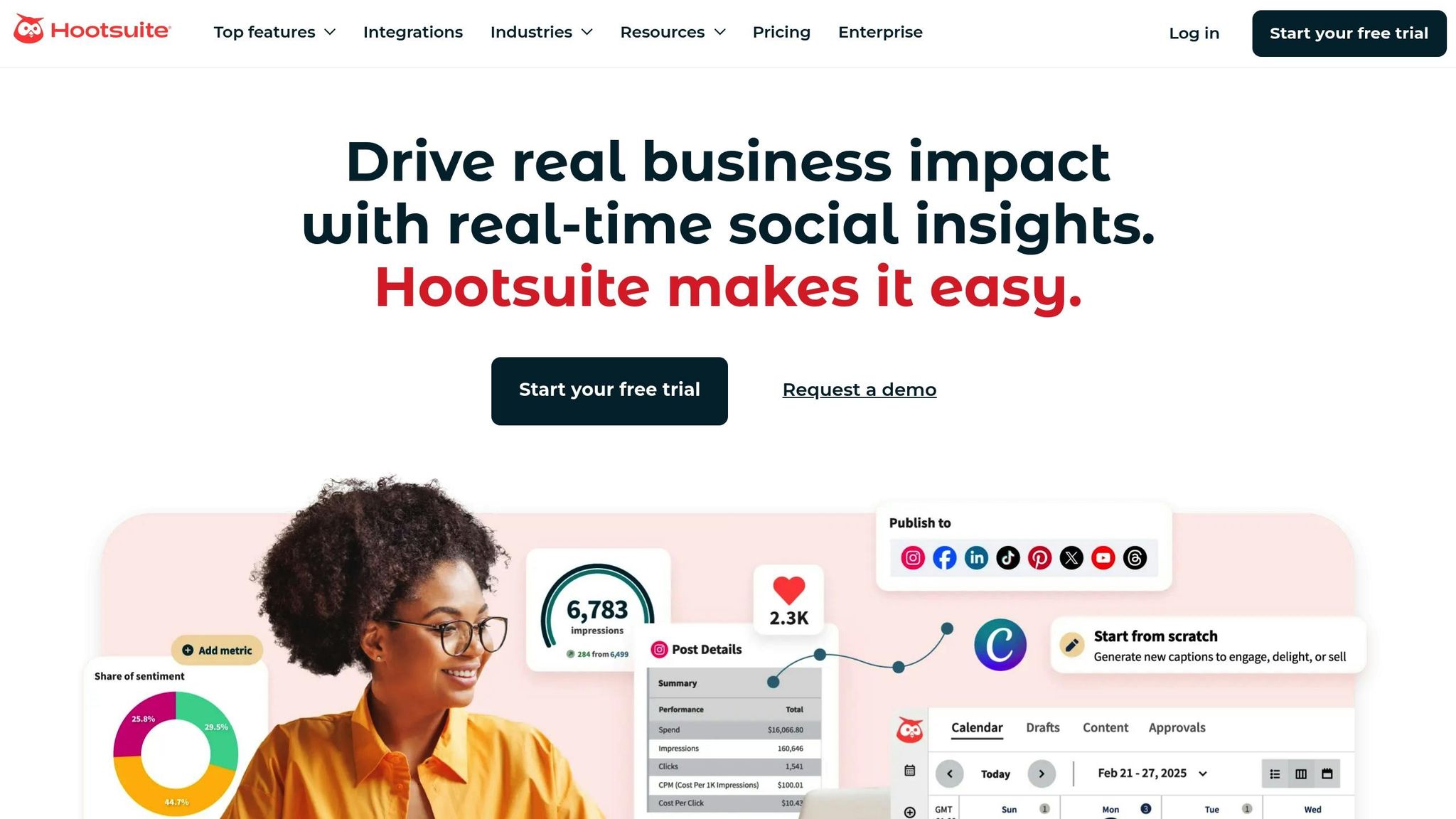
Hootsuite simplifies LinkedIn content management with its OwlyWriter tool and scheduling features. It brings together content creation, scheduling, and performance analytics into a single workflow tailored to your audience’s behavior.
Time-Saving Features
OwlyWriter helps tackle writer’s block by generating personalized captions with relevant hashtags and a tone that aligns with your brand. Its Caption Intelligence feature suggests phrases and hooks based on data, ensuring your posts start with engaging openings. The smart scheduling tool analyzes when your LinkedIn connections are most active, recommending the best times to post.
AI-Powered Capabilities
Hootsuite’s AI doesn’t just schedule posts – it offers predictive insights to forecast how well your content will perform. By examining past posting trends and audience interactions, it helps fine-tune your strategy in real time.
OwlyWriter also adjusts post length and suggests enhancements based on trending topics in your industry. As it learns from your posting habits, the AI becomes better at predicting what will resonate with your LinkedIn audience. This combination of AI-driven content suggestions and performance analytics strengthens your LinkedIn approach.
LinkedIn Optimization Tools
Since pages that post regularly can see twice the engagement, Hootsuite provides AI-backed posting suggestions to help you stay consistent. Its analytics suite works seamlessly with OwlyWriter, allowing you to monitor which AI-generated posts perform best and refine your strategy accordingly.
Scalability for Solo Professionals
For solo professionals, Hootsuite’s drag-and-drop features and pre-designed templates make OwlyWriter easy to use, even without technical expertise. The user-friendly interface lets you quickly set up automated LinkedIn posting schedules, giving you more time to connect with your audience.
sbb-itb-1b818d9
5. Grammarly: Polishing Content and Perfecting Tone with AI
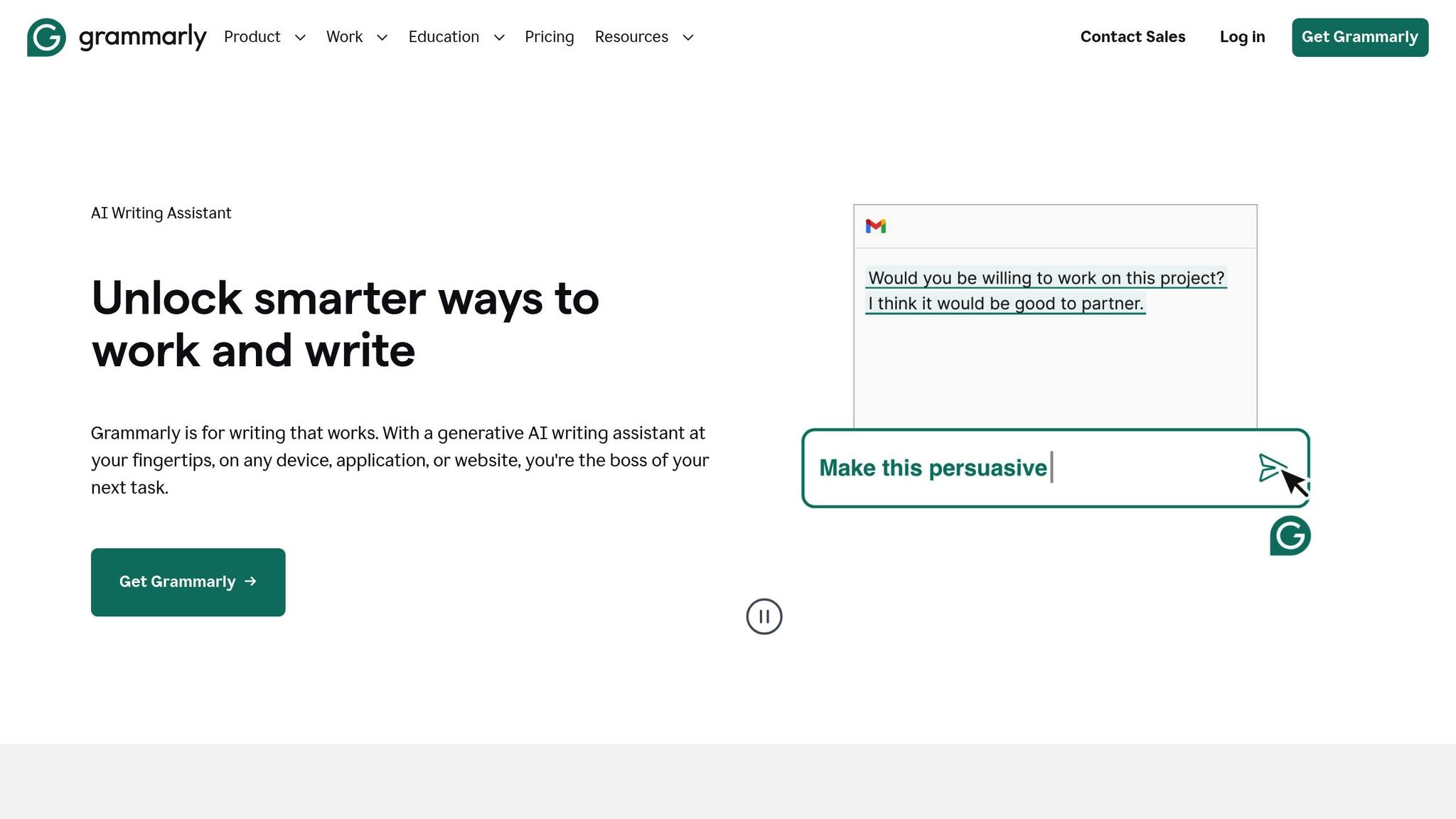
Grammarly is a must-have tool for LinkedIn users looking to fine-tune their content. It not only catches errors but also helps adjust the tone, ensuring your posts are polished and professional. Instead of juggling multiple drafts or manually proofreading, Grammarly’s AI steps in to handle the heavy lifting.
Save Time with Smart Suggestions
Grammarly’s grammar and tone recommendations save you from the hassle of manual proofreading, especially when deadlines are tight. By streamlining the editing process, it minimizes the need for external feedback, helping you focus on crafting impactful LinkedIn posts.
Smarter Editing with AI
Going beyond simple spell-checks, Grammarly analyzes your content’s context to suggest meaningful improvements. Its tone adjustment feature ensures your writing aligns with LinkedIn’s professional yet approachable vibe. This makes it a seamless addition to your overall LinkedIn content strategy.
Tailored for LinkedIn Success
Grammarly is designed to help you strike the perfect balance between being relatable and authoritative on LinkedIn. With its focus on grammar and tone, it ensures your posts resonate with your audience while maintaining a professional edge.
Support for Individuals and Teams
Whether you’re a solo professional or part of a team, Grammarly has you covered. For individuals, it acts as a reliable, 24/7 editor. For teams, it ensures consistent quality and tone across all posts, making it easier to maintain a unified brand voice while complementing other LinkedIn tools.
6. ChatGPT: Creating LinkedIn Content Ideas and Drafts
ChatGPT is changing the way professionals approach LinkedIn content creation. Its advanced language capabilities make it easier to craft engaging and relevant posts without spending hours brainstorming or writing.
Save Time and Overcome Writer’s Block
Struggling to come up with LinkedIn content? ChatGPT has you covered. It can generate multiple ideas in just minutes, helping you get past writer’s block effortlessly. Plus, it simplifies complex topics, turning them into clear and engaging posts that appeal to a wide range of LinkedIn readers.
"ChatGPT’s ability to understand nuanced requests enables users to produce quality content within minutes." – Nantha Kumar L
By offering several content variations, ChatGPT allows you to choose the one that best aligns with your goals. This quick idea generation provides a solid foundation for refining your posts further.
Smart AI Features for Better Content
ChatGPT goes beyond just creating ideas – it tailors content to match your unique voice. Whether it’s crafting attention-grabbing headlines or writing conversational openers, it ensures your posts feel human and professional. The tool delivers a variety of options, giving you the flexibility to maintain a consistent tone across all your LinkedIn updates.
Tools for LinkedIn Optimization
ChatGPT shines when you use specific LinkedIn-focused prompts. For example, you can ask it to:
- "Write a LinkedIn post about [industry trend] targeting [specific audience]."
- "Create 5 different headlines for a post about [topic] using data from [source]."
- "Generate a story-based post about [professional experience] in 200 words."
These prompts help you create posts that spark engagement, whether through thought-provoking questions, industry insights, or personal stories that resonate with your network. It’s an easy way to align your content with your LinkedIn goals.
Perfect for Individuals and Teams
Whether you’re working solo or part of a team, ChatGPT serves as your always-available brainstorming partner. It generates fresh ideas anytime you need them, ensuring you can maintain a steady flow of LinkedIn content. From quick updates to detailed thought leadership articles, ChatGPT adapts to different content needs, making it a valuable addition to any LinkedIn strategy.
7. Shield: AI Analytics for LinkedIn Performance Data
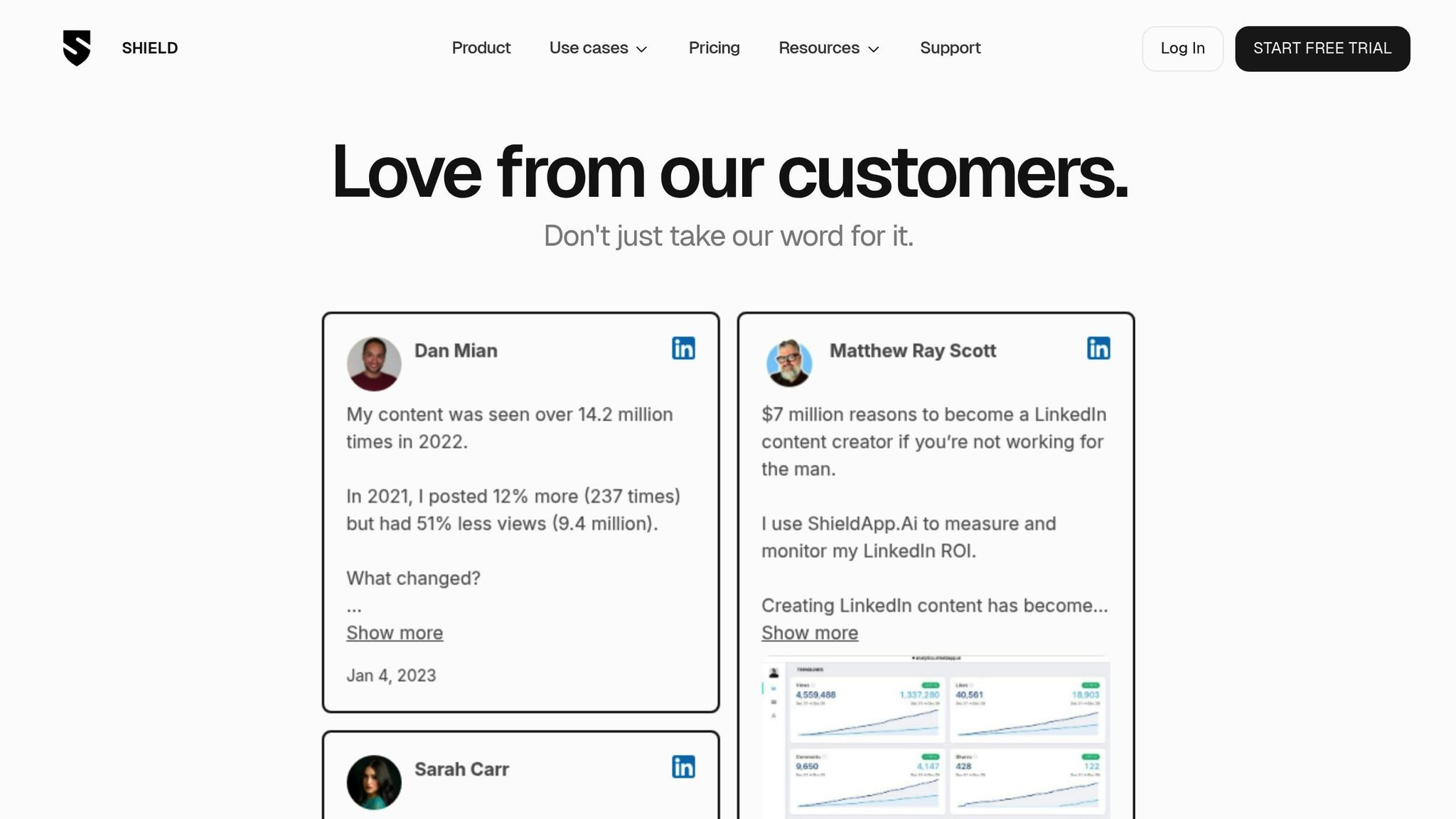
Shield takes the hassle out of tracking LinkedIn performance by delivering AI-driven insights, eliminating the need for manual spreadsheets. This platform goes beyond LinkedIn’s built-in tools, offering a deeper dive into your content’s performance metrics. Let’s break down how Shield simplifies content analysis and saves time.
Time-Saving Features
Shield consolidates all your LinkedIn performance data into a single, easy-to-navigate dashboard. It tracks lifetime metrics for each post, making it simple to spot trends and patterns. One standout feature is "Collections", which lets you group posts by themes, campaigns, or topics. This makes it easier to see what resonates most with your audience without digging through endless data.
AI-Powered Capabilities
What sets Shield apart is its AI engine. It doesn’t just track basic metrics like likes, comments, and shares – it also analyzes audience demographics and engagement patterns. The "Collections" feature ties into this by organizing posts around themes, helping you understand which topics perform best. Shield even suggests the best times to post, so your content reaches more people. According to Shield, 90% of users report that these insights help them improve their ROI.
LinkedIn Optimization Tools
Shield doesn’t stop at content tracking. It also monitors key profile metrics, such as follower growth and profile views, giving you a complete snapshot of your LinkedIn presence. By analyzing posting frequency and pinpointing which content hits or misses the mark, Shield helps refine your strategy with actionable insights. This focus on performance analytics complements other tools like scheduling and content creation platforms.
Scalability for Teams or Individuals
Whether you’re an individual creator or part of a larger team, Shield has a pricing plan to fit your needs. For solo users, the Personal Plan costs $109 per year and covers tracking for one profile. Teams and agencies can choose the Team/Agency Plan at $240 per profile annually, which includes features for team tracking, employee advocacy, and personal branding. Shield’s flexibility ensures it can adapt to users of any scale.
Tool Comparison Table
Choose tools that align with your specific needs, budget, and team size. Here’s a quick summary to complement the detailed breakdown of features for each tool:
| Tool | Monthly Cost | Key Time-Saving Benefits | Best Features | Limitations |
|---|---|---|---|---|
| Typoro | $19-$99 | AI ghostwriting, automated scheduling, voice and tone learning | LinkedIn-specific content creation, audience insights, team collaboration | Exclusively LinkedIn-focused |
| Buffer | $79+ | Optimized posting times, bulk scheduling | Cross-platform scheduling, analytics dashboard | Higher costs for advanced features |
| Canva Magic Write | Free-$12.99 | AI content generation for graphics, template automation | Visual content creation, brand kit integration | Limited to design-oriented content |
| Hootsuite | Varies | Optimized scheduling and analytics | Comprehensive social media management | Complex interface for beginners |
| Grammarly | Free-Premium | Real-time editing, tone suggestions | Writing refinement, plagiarism detection | Doesn’t generate content from scratch |
| ChatGPT | Free-$20 | Instant content ideation and draft creation | Versatile writing assistance, conversation-style prompts | Generic output requires customization |
| Shield | $6-$20 | Automated analytics and performance tracking | LinkedIn-specific insights | Analytics-only tool, no content creation |
Regular posting is key to boosting engagement, making scheduling tools like Buffer and Typoro essential for staying consistent. Interestingly, 54% of businesses report reduced operational costs after adopting AI analytics tools, underscoring the value of platforms like Shield.
ChatGPT stands out as a flexible tool for generating structured content, particularly for LinkedIn posts. However, its generic outputs often need extra tweaking to match your brand’s tone and audience needs.
Typoro is ideal for LinkedIn-focused workflows, offering content creation, scheduling, and audience insights. At just $19/month for the Creator plan, it’s a great option for solopreneurs aiming to simplify their LinkedIn strategy.
Shield provides top-notch analytics, with 90% of users stating that AI-driven insights have helped them improve their ROI. However, for teams managing multiple profiles, costs can escalate. For example, Shield’s Team/Agency Plan runs $240 per profile annually, while Typoro’s Scale plan at $99/month supports up to 10 LinkedIn users with unlimited AI-generated content.
A smart approach for most professionals is combining two or three tools: a content creation platform like Typoro or ChatGPT, a scheduling tool (if not already included), and an analytics solution like Shield. This combination saves time and keeps expenses in check, helping you optimize your LinkedIn strategy effectively.
Conclusion
AI tools have turned the once time-consuming task of managing LinkedIn content into a streamlined process, making life easier for busy professionals. The seven tools highlighted in this guide each bring something valuable to different aspects of your LinkedIn strategy.
Typoro stands out by combining AI-powered ghostwriting, scheduling, and audience insights, all in one platform. For $19/month on the Creator plan, it’s a great option for solopreneurs aiming to build their personal brand efficiently.
If you’re juggling multiple social platforms, Buffer simplifies scheduling across channels. Canva Magic Write helps craft visually engaging posts, while Grammarly ensures your writing stays polished and professional.
For versatile content creation, ChatGPT can generate ideas and draft posts, though you might need to tweak the output to match your brand’s tone. Meanwhile, Shield offers analytics to fine-tune your strategy with data-driven insights. Together, these tools cover the essential components of LinkedIn content management.
By combining tools that align with your workflow and goals, you can build a LinkedIn strategy that saves time and maximizes engagement. For instance, pairing a content creation tool like Typoro with Shield’s analytics gives you a solid, efficient approach to growing your presence.
Whether you’re a founder establishing thought leadership or part of a team managing multiple profiles, these AI tools remove the guesswork and manual effort from LinkedIn content creation. This allows you to focus on what truly matters – connecting with your audience and driving meaningful growth.
FAQs
How can AI tools like Typoro help me create authentic LinkedIn posts while saving time?
AI tools such as Typoro can make creating LinkedIn content quicker and easier, helping you write posts that feel personal and engaging without taking up hours of your time. With Typoro, you can share your ideas, preferred tone, and goals, and it will turn them into polished, professional posts that truly reflect your voice.
On top of that, Typoro includes built-in tools for scheduling and improving your posts. It analyzes engagement trends and suggests the best times to share your content, ensuring it connects with the right audience while staying true to your unique style.
What are the best ways to use AI tools to create engaging LinkedIn content efficiently?
To make the most of AI tools for LinkedIn content, start by laying a solid foundation with a clear content strategy. Pinpoint your target audience, key themes, and the tone that best represents your brand. This will help ensure your posts feel genuine and stay true to your message.
AI can simplify tasks like brainstorming content ideas, drafting posts, and polishing your writing. Use it to explore trending topics, build outlines, or fine-tune your text. However, always weave in your personal perspective to keep your content relatable and original. You can also maximize your efforts by repurposing content into various formats and leveraging AI analytics to measure performance and guide future improvements.
While AI can save you time, it’s crucial to review and tailor its output to match your unique voice and experiences. Striking this balance will help your content stay impactful and connect authentically with your audience.
How can AI analytics tools like Shield help boost my LinkedIn performance?
AI analytics tools, like Shield, offer a wealth of insights by monitoring crucial metrics such as profile views, connection growth, and post engagement. These metrics reveal which content strikes a chord with your audience and highlight areas where you can improve.
By examining trends and patterns in your LinkedIn activity, these tools not only save you time but also point you toward strategies that boost engagement and deliver a stronger return on investment (ROI). They streamline your efforts, helping you fine-tune your approach for better outcomes on LinkedIn.
Related Blog Posts

 Kieran Ball - Founder
"Typoro makes it easier to be a consistent presence on LinkedIn"
The LinkedIn Ghostwriter for Busy Founders.
Typoro’s AI agents think, research and write weekly LinkedIn posts that help grow your personal brand.
